
Blog
Automatic categorization for batch downloads, plus player and feed ads in the built-in CMS
We recently added a few features, mainly for the built-in CMS, and fixed several issues:
- Added category selection to batch downloads in the download center. Choose a category when adding downloads; completed downloads are categorized automatically, and nonexistent categories are created automatically.
- Added
webpuploads for galleries. TheCMSgallery detail page now displays one image per page and preloads the next image while the current one is viewed. - Added announcement management to the top of the
CMShomepage. Multiple announcement titles rotate in turn. Clicking a title displays its content, which supportsMarkdownsyntax. - Removed standalone image ads from the
CMSand added video feed ads, which appear like videos among content on all pages. When multiple feed ads are configured, one or more are selected randomly for display. - Added player ads to the
CMS, in2types: self-managed and advertiser-provided. Self-managed ads currently support pre-roll only. Advertiser-provided player ads must follow theVASTstandard, with display rules determined by the advertiser. When multiple ads of either type are configured, one is selected randomly for playback. - Added a
P2Pswitch for theCMSplayer and configuration for freeP2Pnodes. You need to deploy your own nodes; the documentation includes a quick setup guide. - Changed
cmsresolution selection. Ordinary users and guests play at the lowest resolution by default. Members' selected resolution is remembered and used automatically for subsequent videos. - Added preview videos to all
CMSpages. Hovering over a cover for more than0.5sautomatically plays the preview generated during transcoding. - Fixed verification failures for
m3u8playlists containing akeywhen preview mode and timestamp-based hotlink protection are both enabled. Also fixed the lack of a notification when cloud-storage synchronization is disabled.
Related screenshots
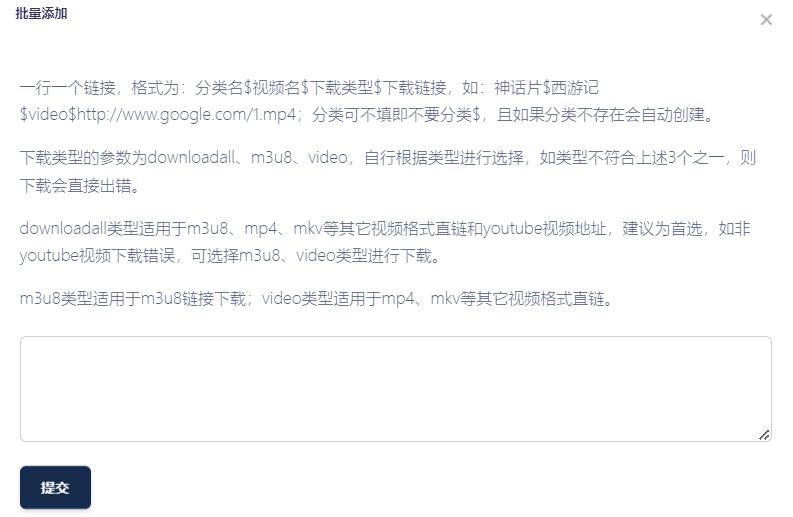

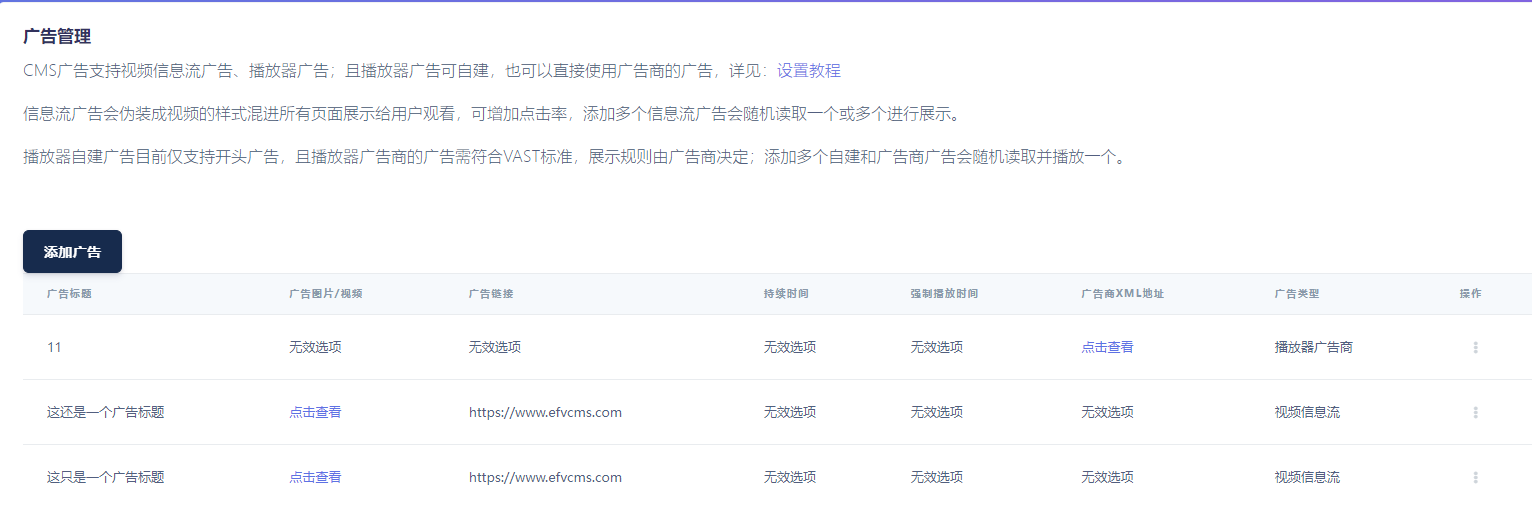
For more frontend details, see the demo site: https://www.leimulamu.com/


