Blog
Video frame-rate settings, synchronized-video filters, and built-in CMS improvements
We recently added and refined several features. Here is a brief list of the updates:
- Fixed a submission timeout when editing an
rssautomatic-download subscription again after linking a series. - Added a synchronized-video filter to show videos successfully synchronized to cloud storage or other servers. Synchronization records can also be cleared in batches as needed so videos can be synchronized elsewhere again.
- Added video frame-rate settings, allowing you to adjust the output frame rate to your needs.
- Added batch skipping of segment ads. Videos marked to skip ads do not play pre-roll or mid-roll ads. This setting can be disabled at any time.
- Modified and refined the appearance of built-in
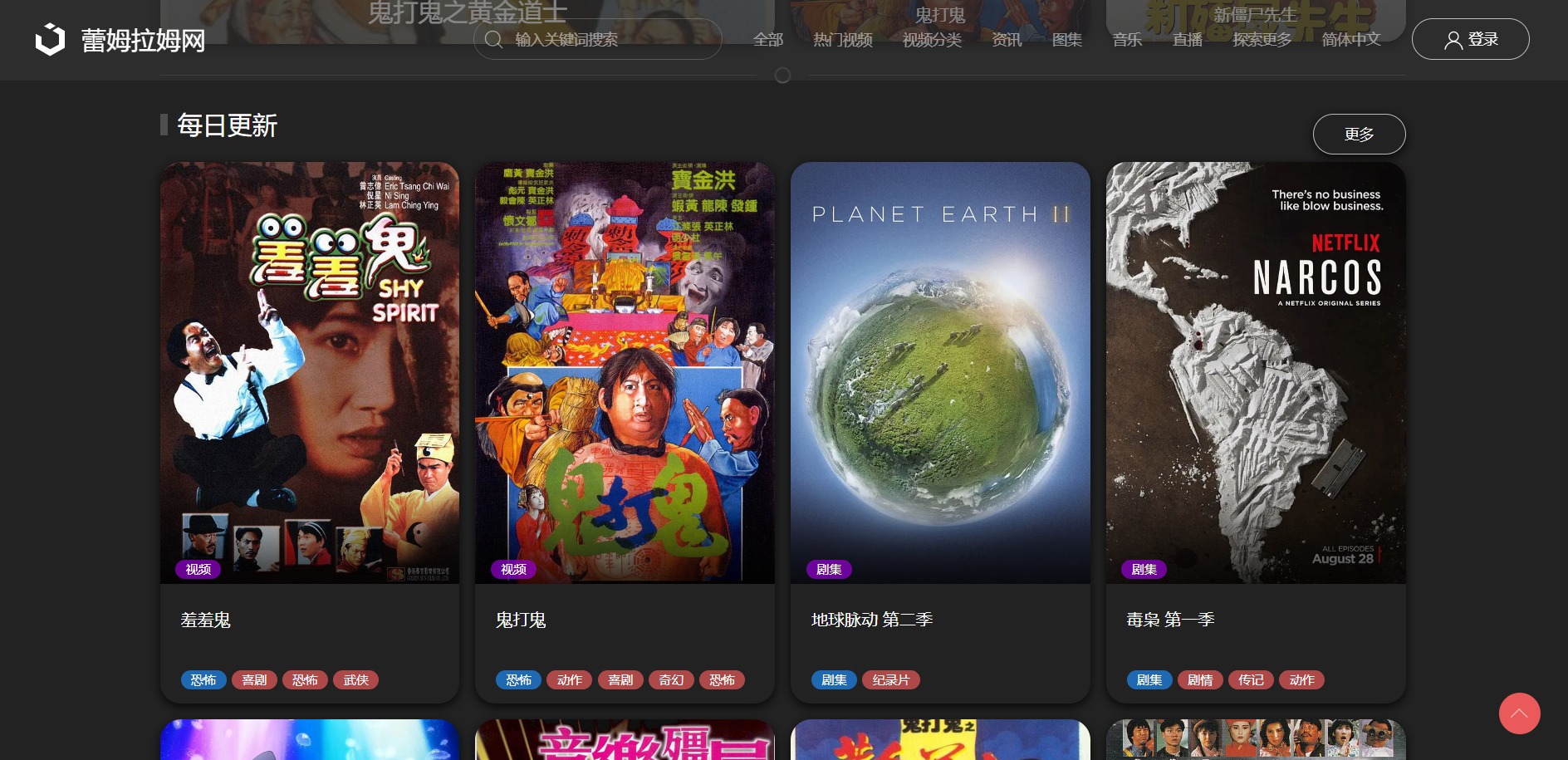
CMSpages and simplified membership-group settings. See the demo site for details: https://www.leimulamu.com/ - Added batch marking of free videos in the built-in
CMS. These videos bypass access restrictions and are available free to all users. The setting can be disabled at any time. - Improved clearing of
BTdownload history soBTmagnet links can be downloaded again after the history is cleared. - Improved video-name display in video management by truncating long names, and made other minor improvements and fixes that are not listed individually here.
- Finally, MacCMS
CMSusers who need timestamp-based hotlink protection can download the already-integrated replacement files from the documentation.
Selected screenshot