RSS gallery automation: RSS automatic downloading, extraction, sorting and publishing to galleries and comics
Since developing RSS subscriptions, I have become deeply involved in them. They greatly reduce operating costs through automatic downloading, categorization, transcoding and publishing. A little editing each day is all that remains, and they work particularly well with the APP. This time I focused on galleries and comics, working nearly 10 hours from last night until now to add automatic RSS downloading, extraction, sorting, publishing and categorization. I also upgraded the image plugin in EFVCMS to support automatic animated-image publishing and poster generation based on animation dimensions.
Updates
RSS subscriptions now support automatic gallery publishing, extraction, sorting and categorization. All download types are handled, making this especially useful with our comics APP.
Recommended: Rsshub, whose RSS subscriptions can supply dozens of APP deployments.
Supported types
- One: Downloads containing a folder of image files: move the images directly into a gallery, generating rectangular poster 1 and adaptive poster 2.
- Two: Downloads consisting of individual image files: handled in the same way as type one.
- Three: A single
ZIPdownload: extract it intelligently, find images, sort by filename and publish to a gallery or comic. - Four: A single
RARdownload: extract it with therartool, find images, sort them and publish. - Five: A single
7zarchive: extract it with the7zbinary, find images, sort them and publish. - Six: Mixed
zip,rarand7zdownloads: use the corresponding extraction tools, find images in each result, then publish galleries automatically.
PS: Supporting all common types required considerable effort. I even built my own RSS subscription collection.
Recognized image extensions: .jpg,jpeg,png,webp,gif.
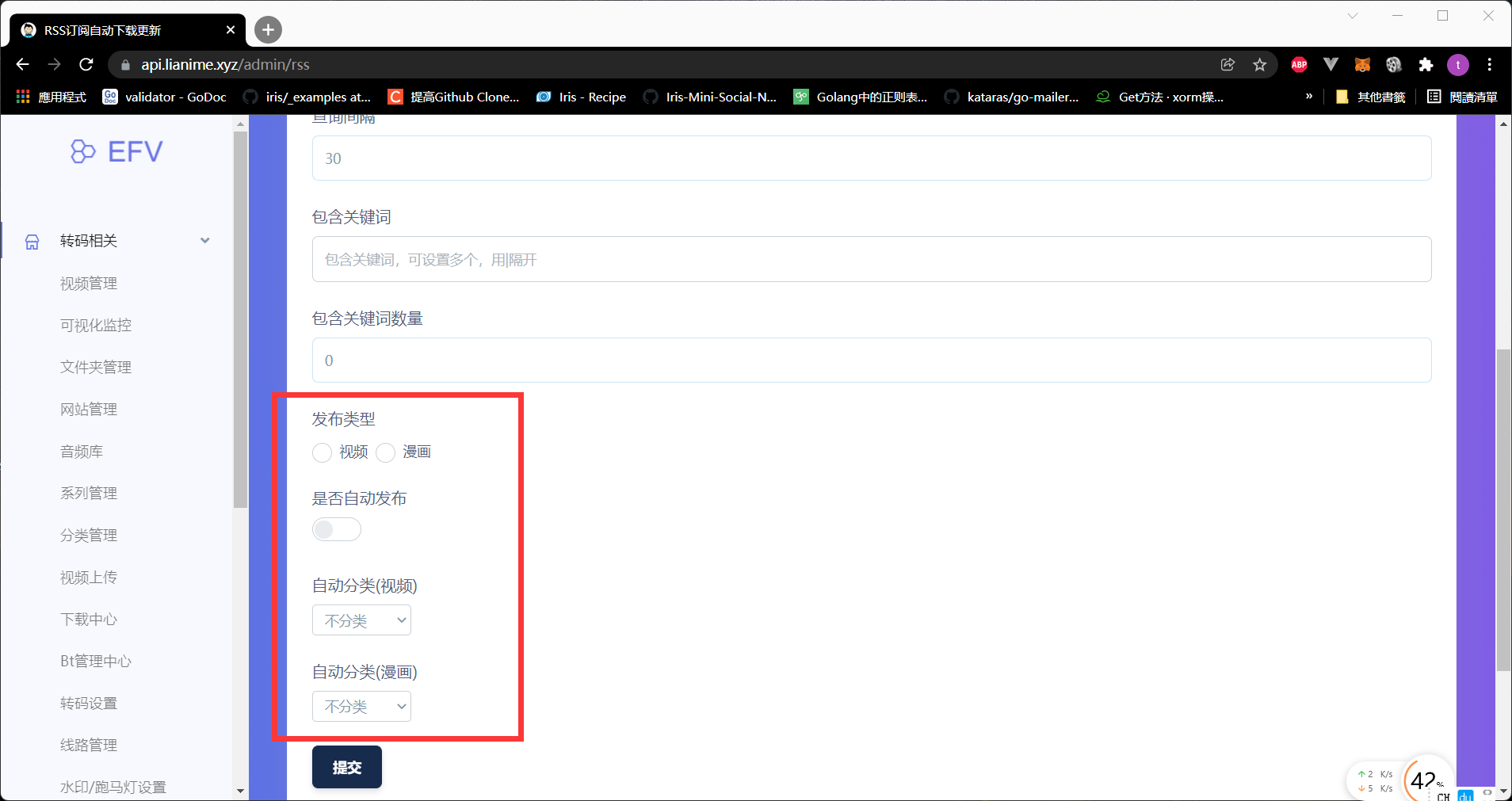
Screenshot
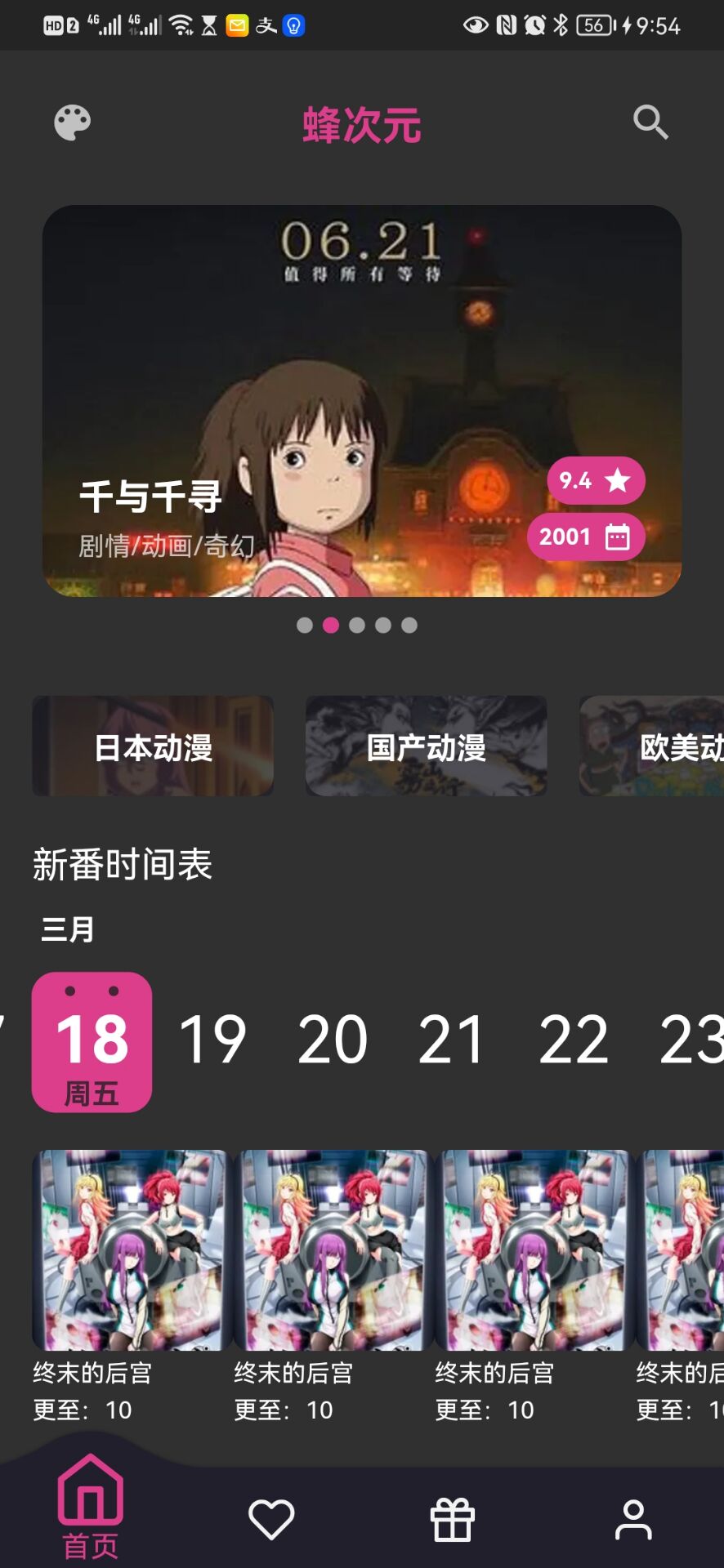
Coming soon: a new-release schedule in the APP for ongoing series. Those familiar with series websites know its value; with it, you can call your product a proper series-viewing APP.