Website and server management integrated into EFVCMS, replacing complicated domain-binding workflows
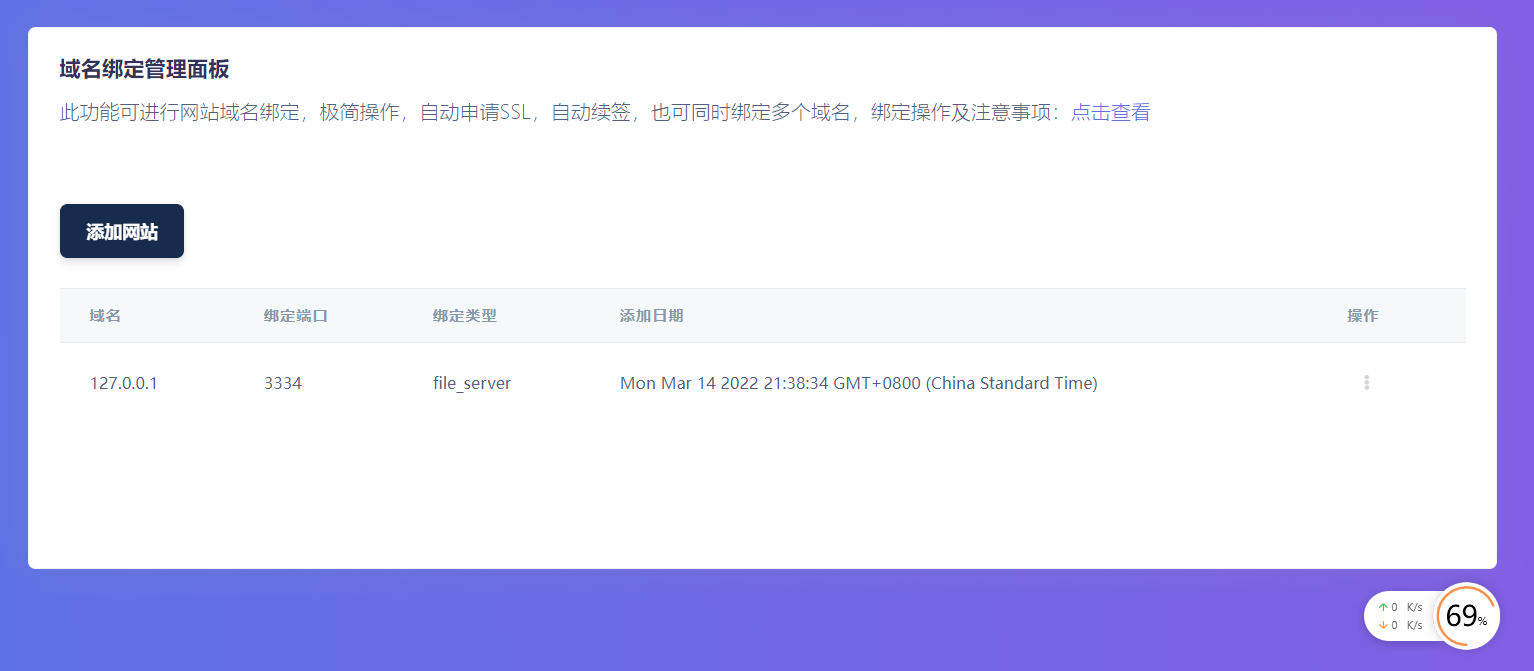
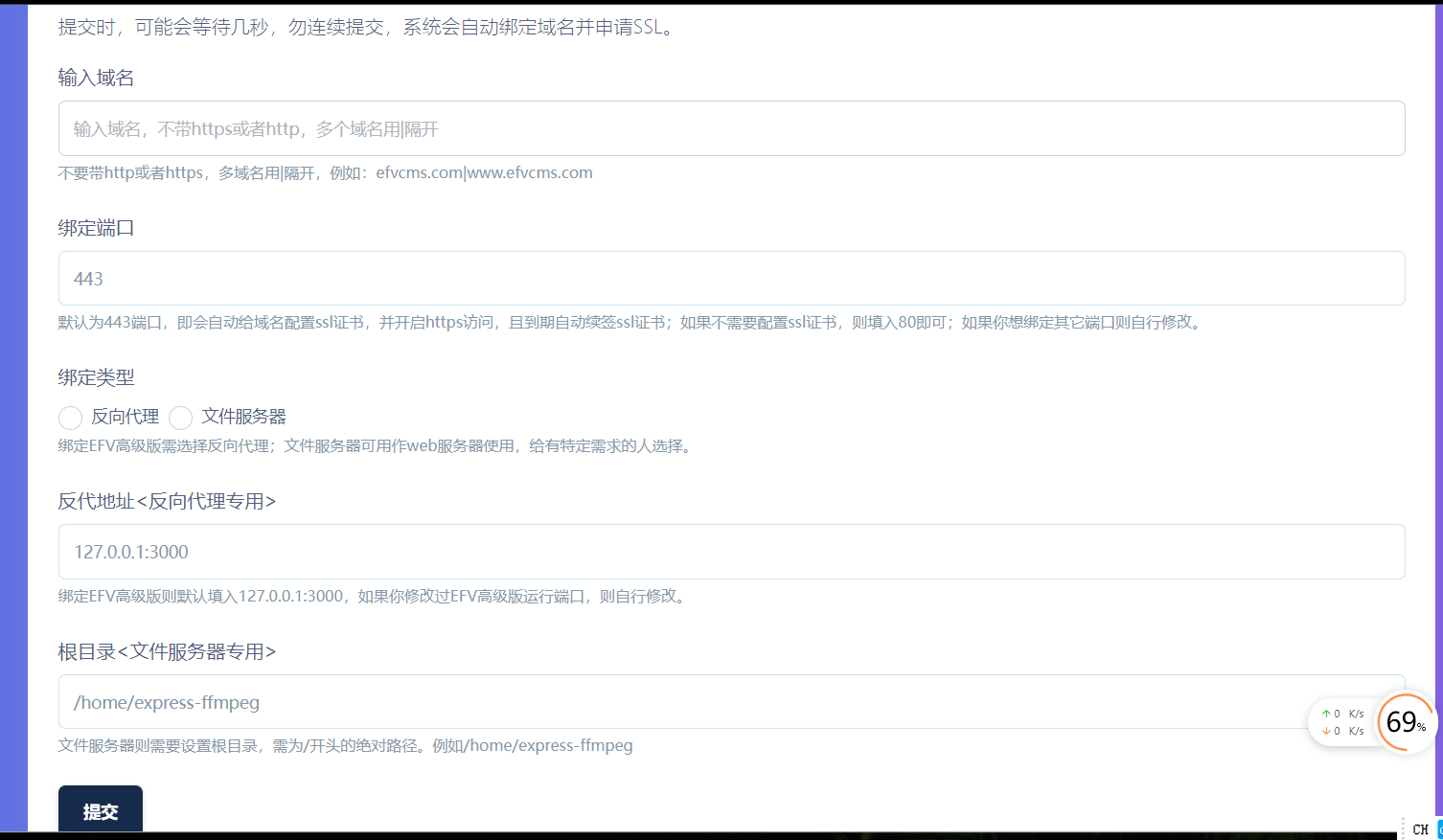
Many users rely on hosting control panels when building websites. They are useful, but should be used carefully. Many panels modify NGINX and its configuration, causing some EFVCMS functions to fail after domain binding. For example, people sometimes report errors with administration uploads using the latest resumable-upload protocol; these cases invariably involved certain panels' NGINX. Domain binding in panels can also be unnecessarily complicated, with complex workflows and additional caching or other settings that the panel considers helpful. Other issues include being unable to request SSL certificates after configuring a reverse proxy, or being unable to renew SSL after requesting a certificate and then adding a reverse proxy. Every three months, users may need to disable the reverse proxy, request SSL manually and configure the reverse proxy again. These irregular workflows are frustrating. I therefore stopped using panels for my own programs, but some users are unfamiliar with the command line. This update integrates domain-binding management into the EFV administration interface. It is simple: bind a domain in seconds, request SSL automatically and renew SSL automatically, with automatic SSL issuance and automatic SSL renewal handled for you.
Updates
Added website management as another subsystem built into EFVCMS: with a simple operation taking just seconds, bind a domain and automatically request and renew SSL. Combined with folder management and server-status monitoring, EFVCMS can effectively serve as a control panel.
Screenshots