
Step-by-step: use EFV regex batch renaming to add series quickly
While operating our site, we found batch renaming of series videos cumbersome, so we developed regular-expression-based video renaming. This powerful feature prepares a series with any number of episodes very quickly. Many users are unfamiliar with it, so here is a step-by-step guide.
Step one: add the series
Click Add Series in series management, retrieve its information in one action through our bilingual film-and-series API partner, and create the series.
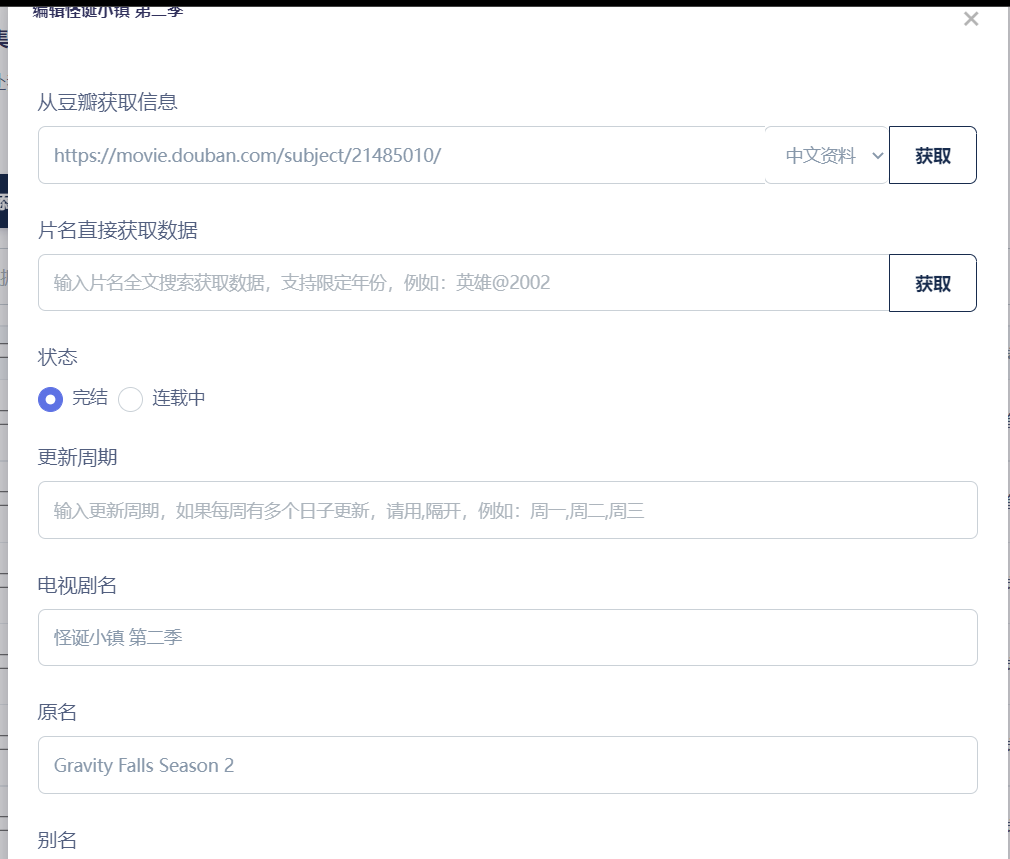
Step two: select videos and perform the first batch rename
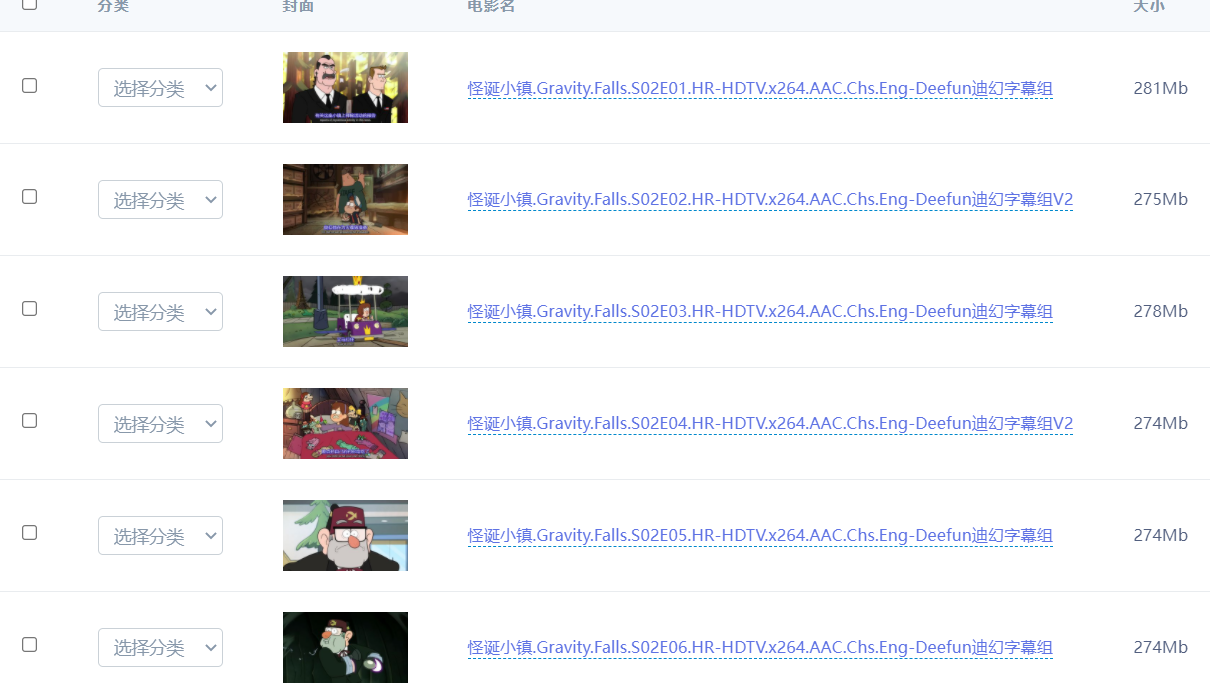
The video names follow a pattern. First replace their regular parts using ordinary string matching.
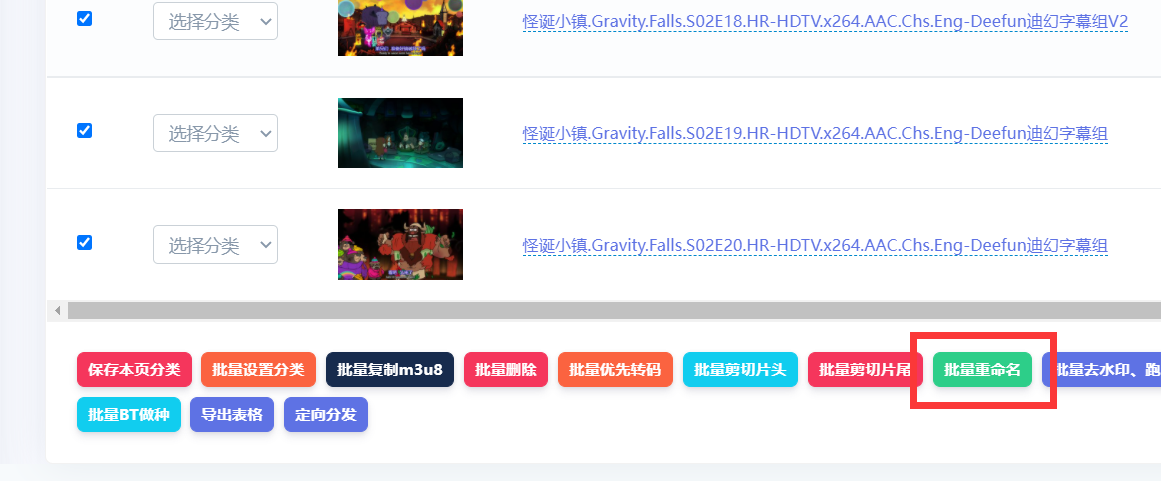
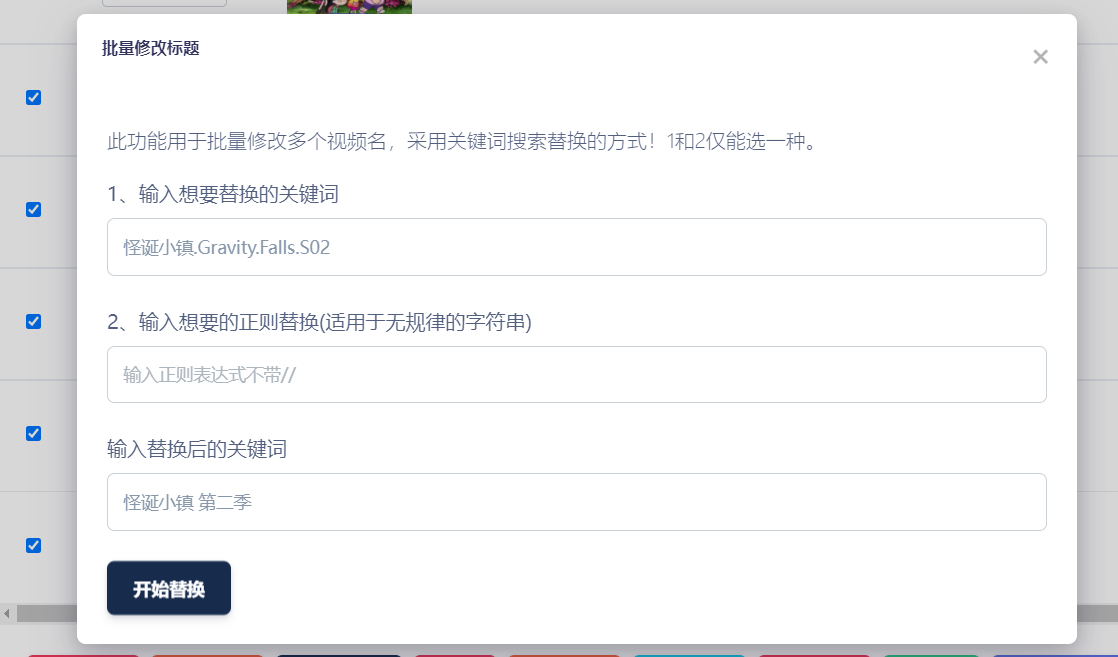
Use the first keyword-replacement method to replace the leading text with the title of the series you created.
Step three: select videos and batch-replace irregular names with a regex
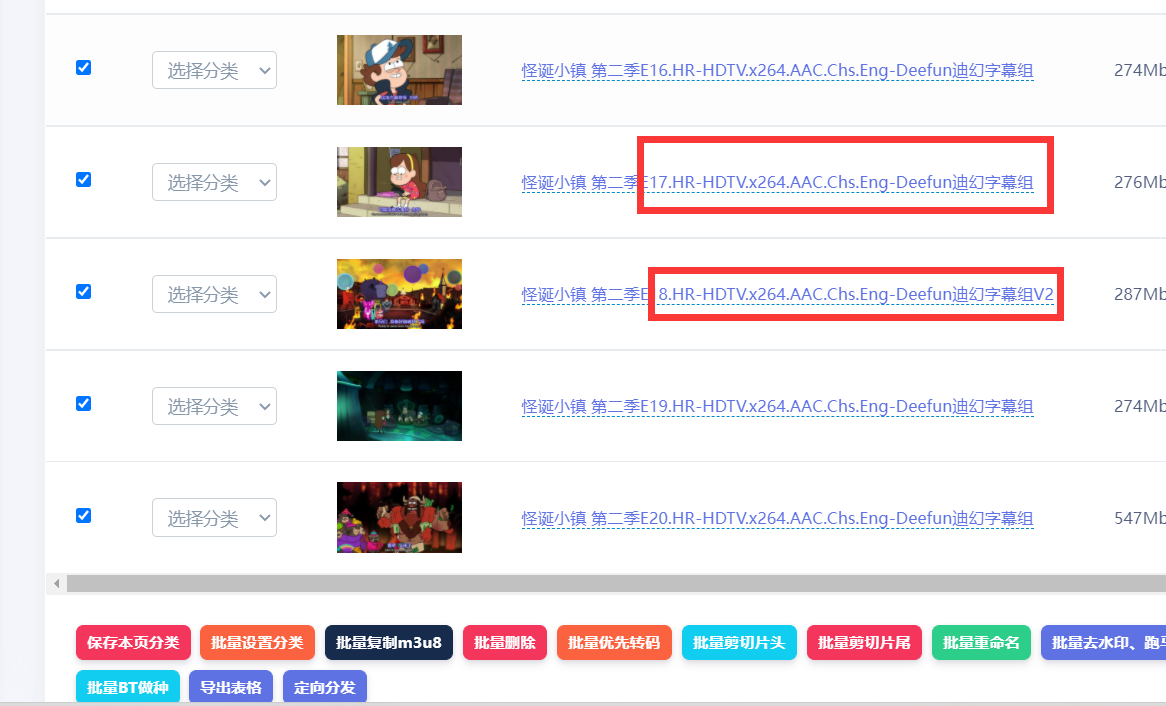
The text after the period is inconsistent. Editing it individually would be cumbersome, so use our one-click regex replacement.
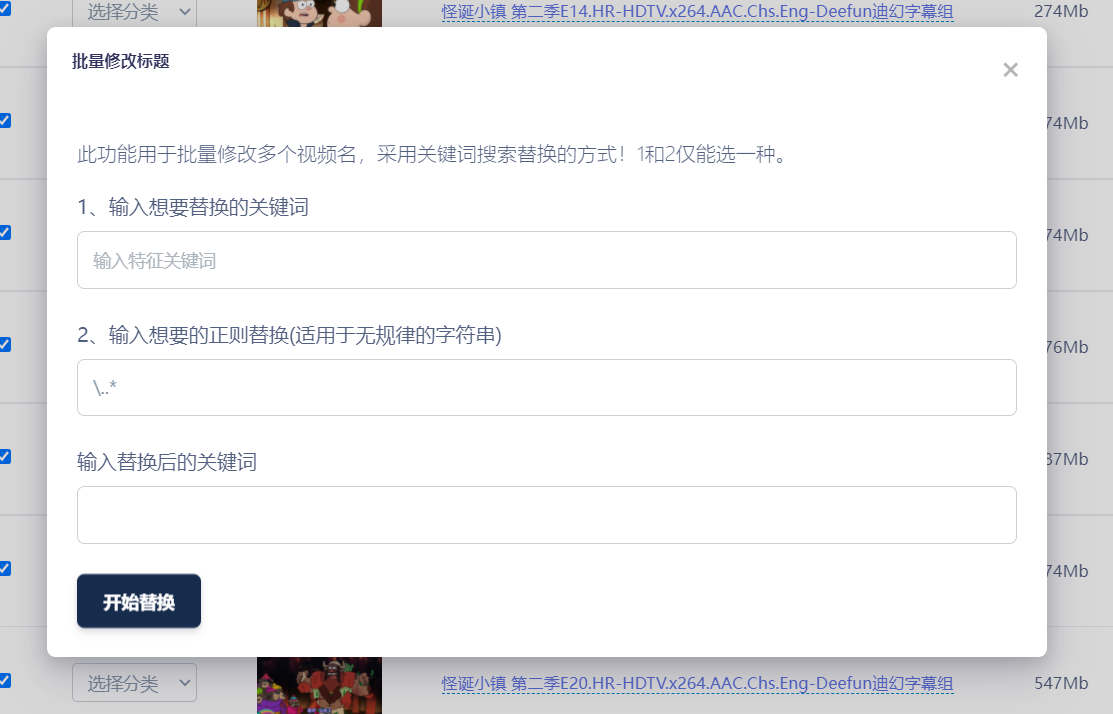
This simple regex matches all text starting from . and replaces it with a space. See above. If you do not know how to replace an irregular title, contact customer support and we can write the regex for you.

This is the final result.
Step four: add videos directly in series management with one-click automatic ordering
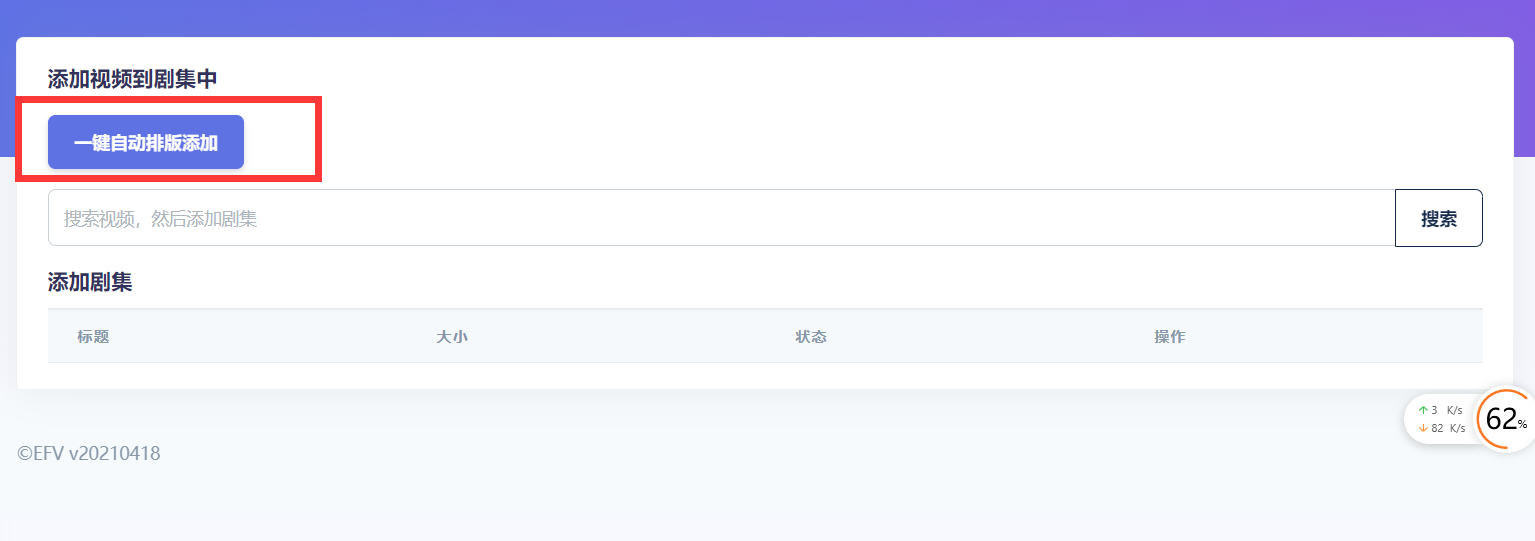
Click One-click automatic ordering and addition.
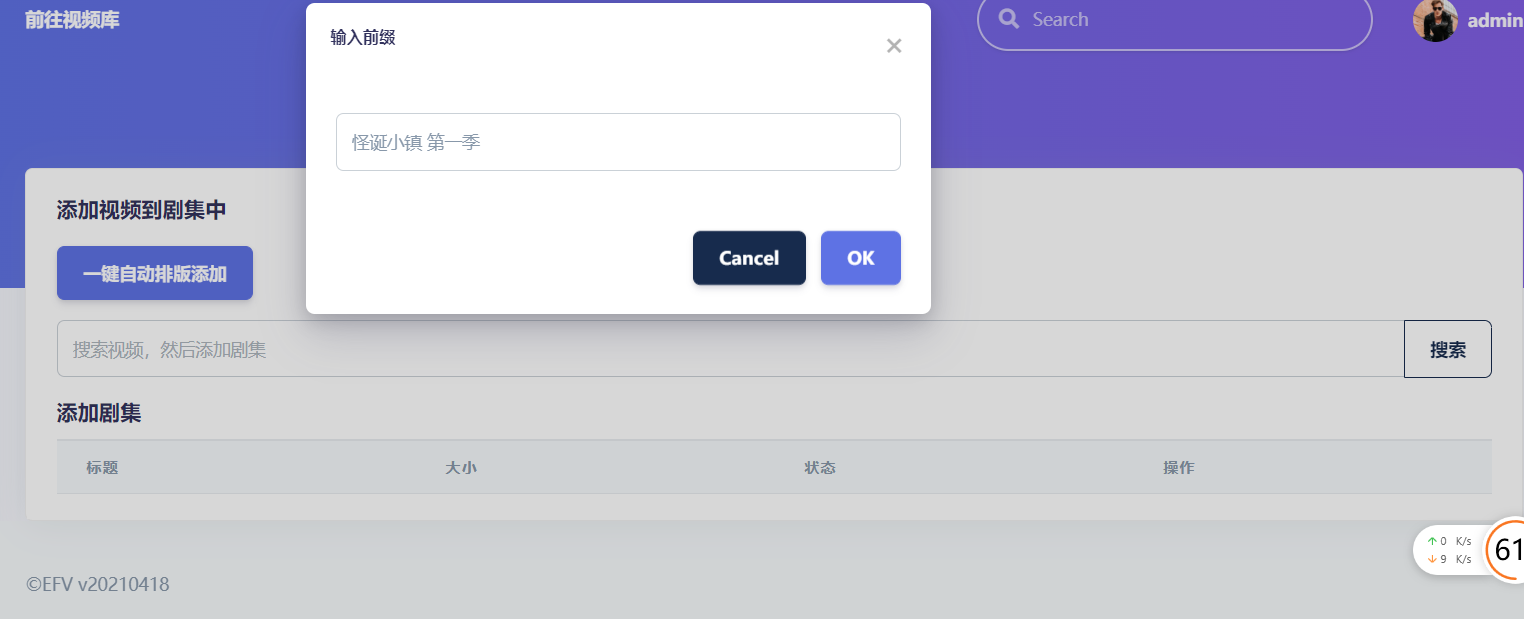
The prefix is filled automatically from the series name, so you do not need to enter it.
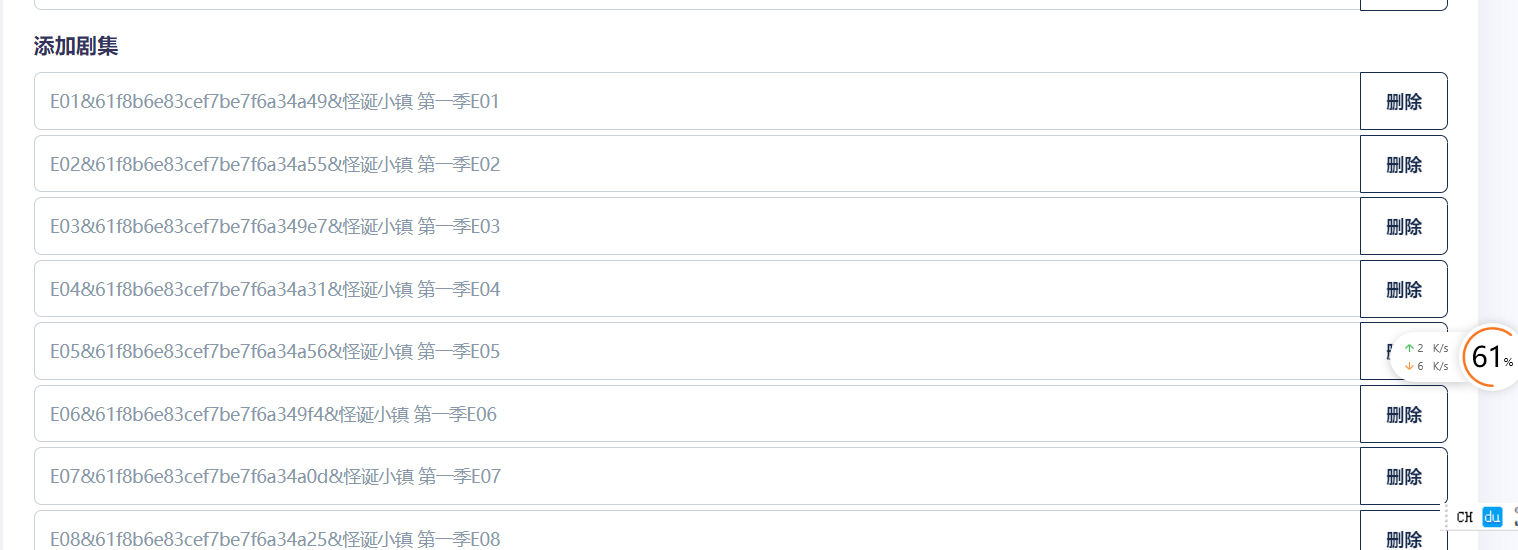
Result of automatically adding the series:

Finally, click Publish to display it on the frontend.
The entire process takes no more than 3 minutes for a series with any number of episodes.


