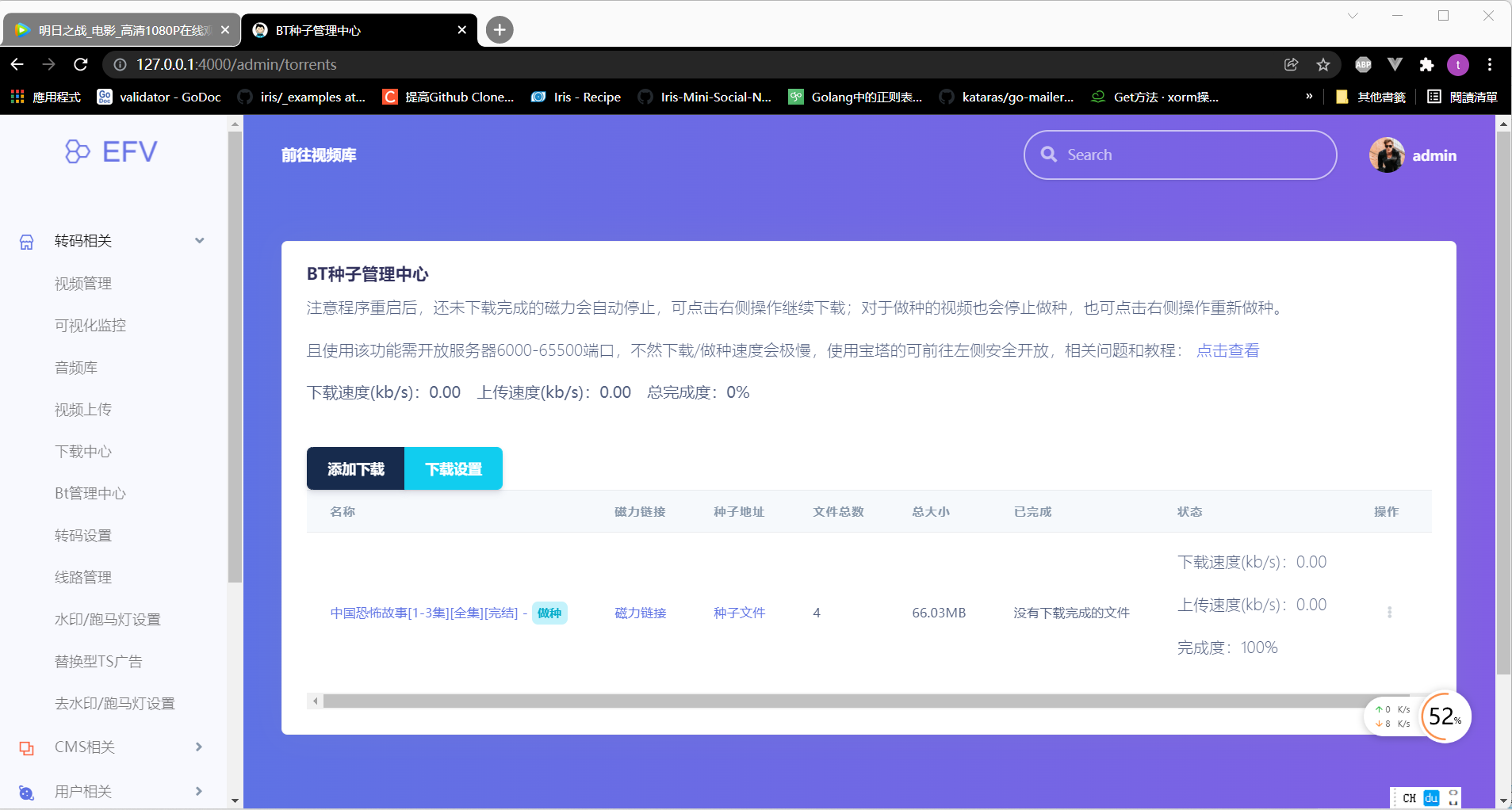
Seeding completed: individual or multiple videos, even without retained transcoded mp4 files
This update benefits existing users. After automatic seeding was introduced, many reported that previously transcoded videos could not be seeded. Based on their feedback, this update adds targeted and multi-video seeding, further optimizes the CDN system released the day before yesterday, and improves compatibility with Apple's new operating system.
Updates
- One: Updated browser compatibility for Apple's new system and revised preview logic.
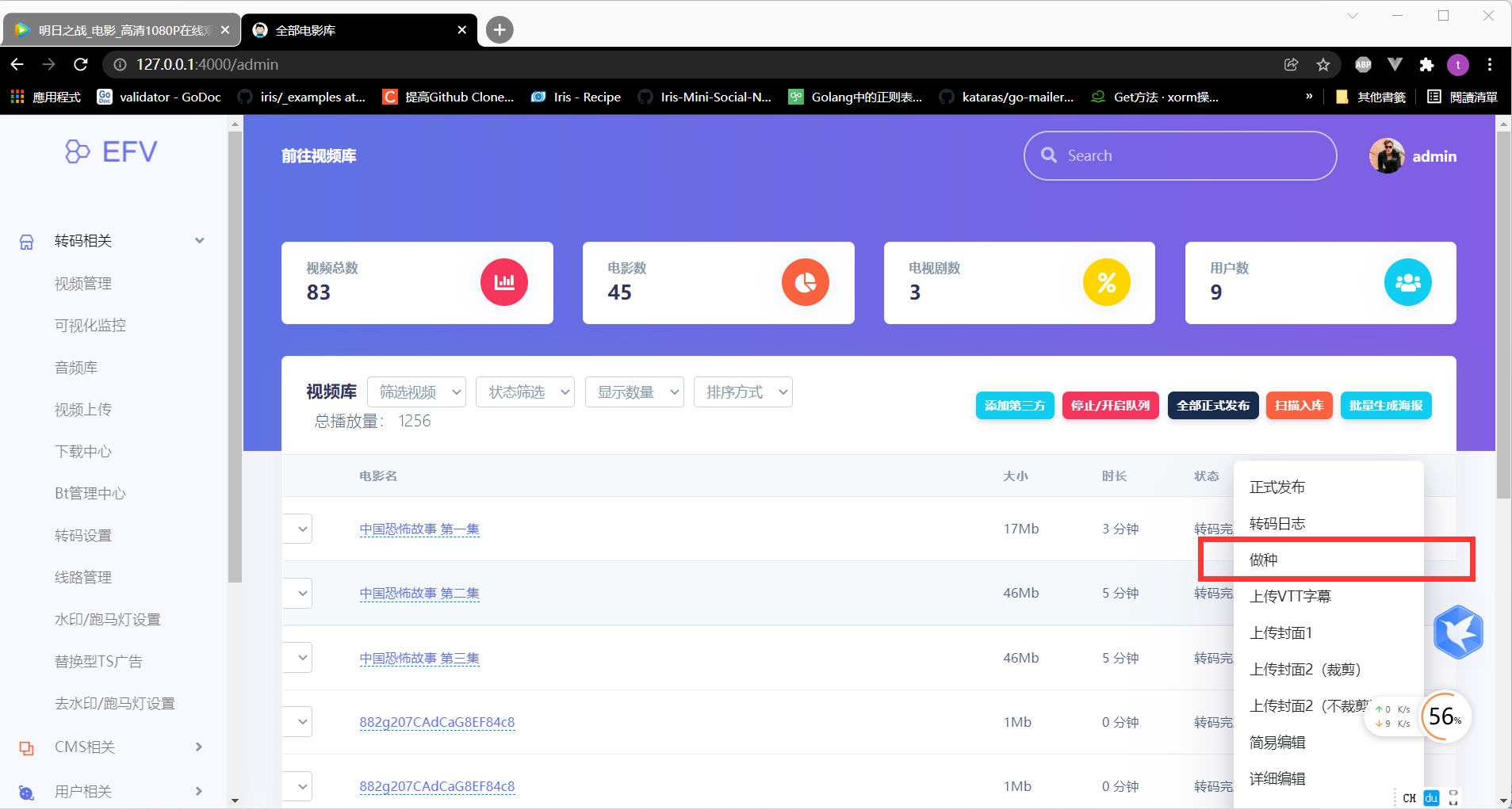
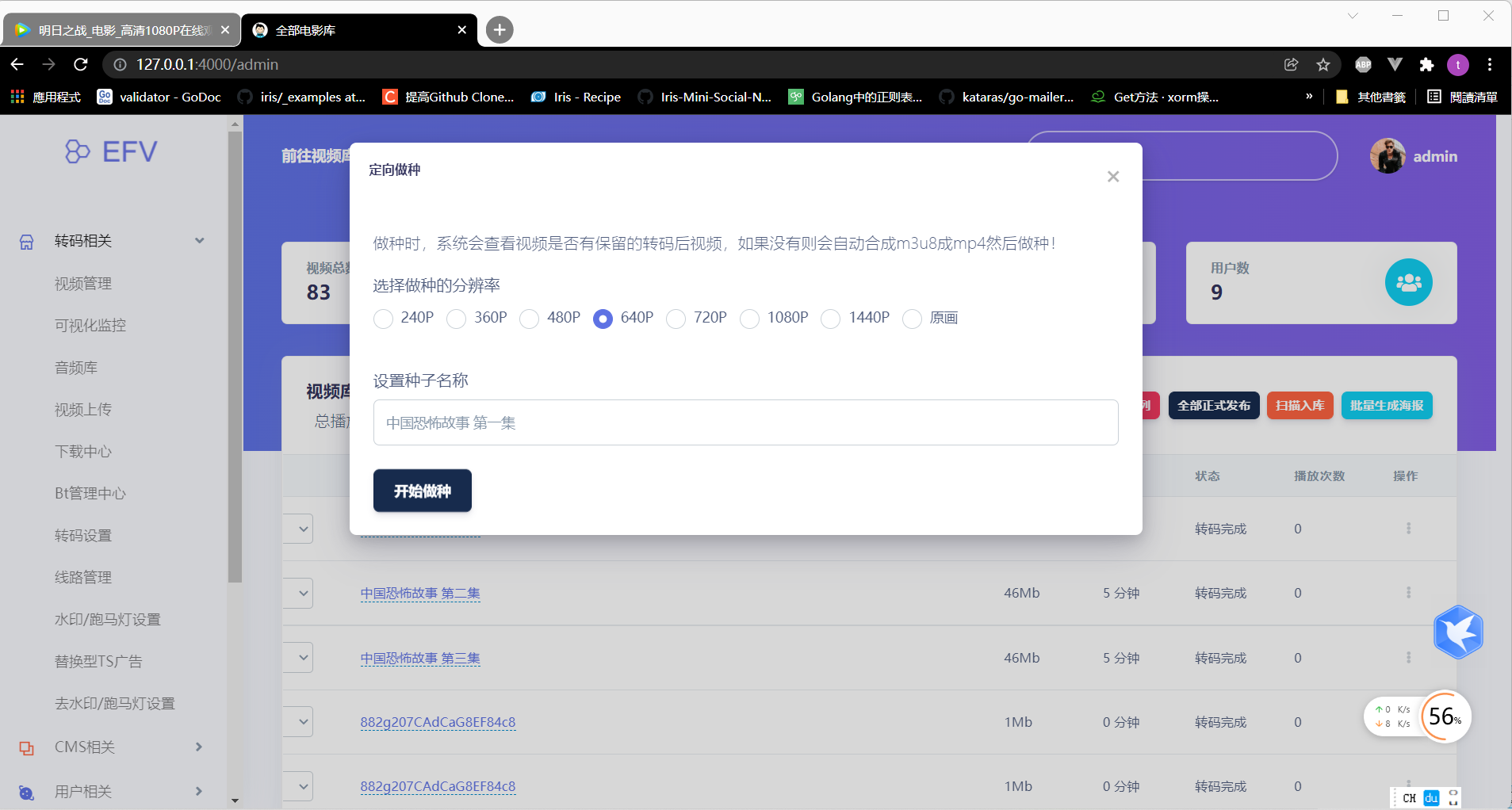
- Two: Added targeted seeding. Select an individual transcoded video, choose Seed in its action menu, select a resolution and customize the torrent name shown on the
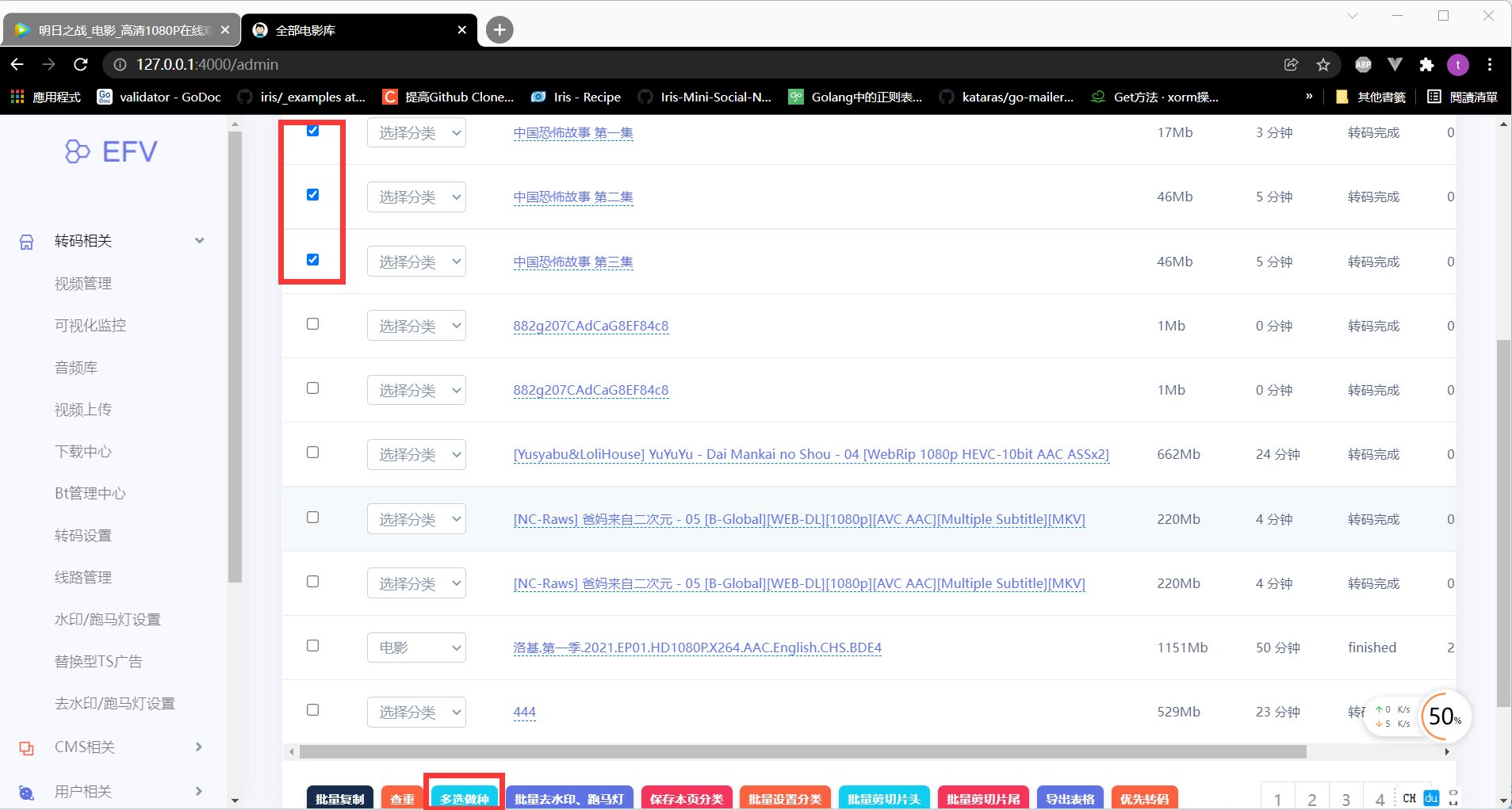
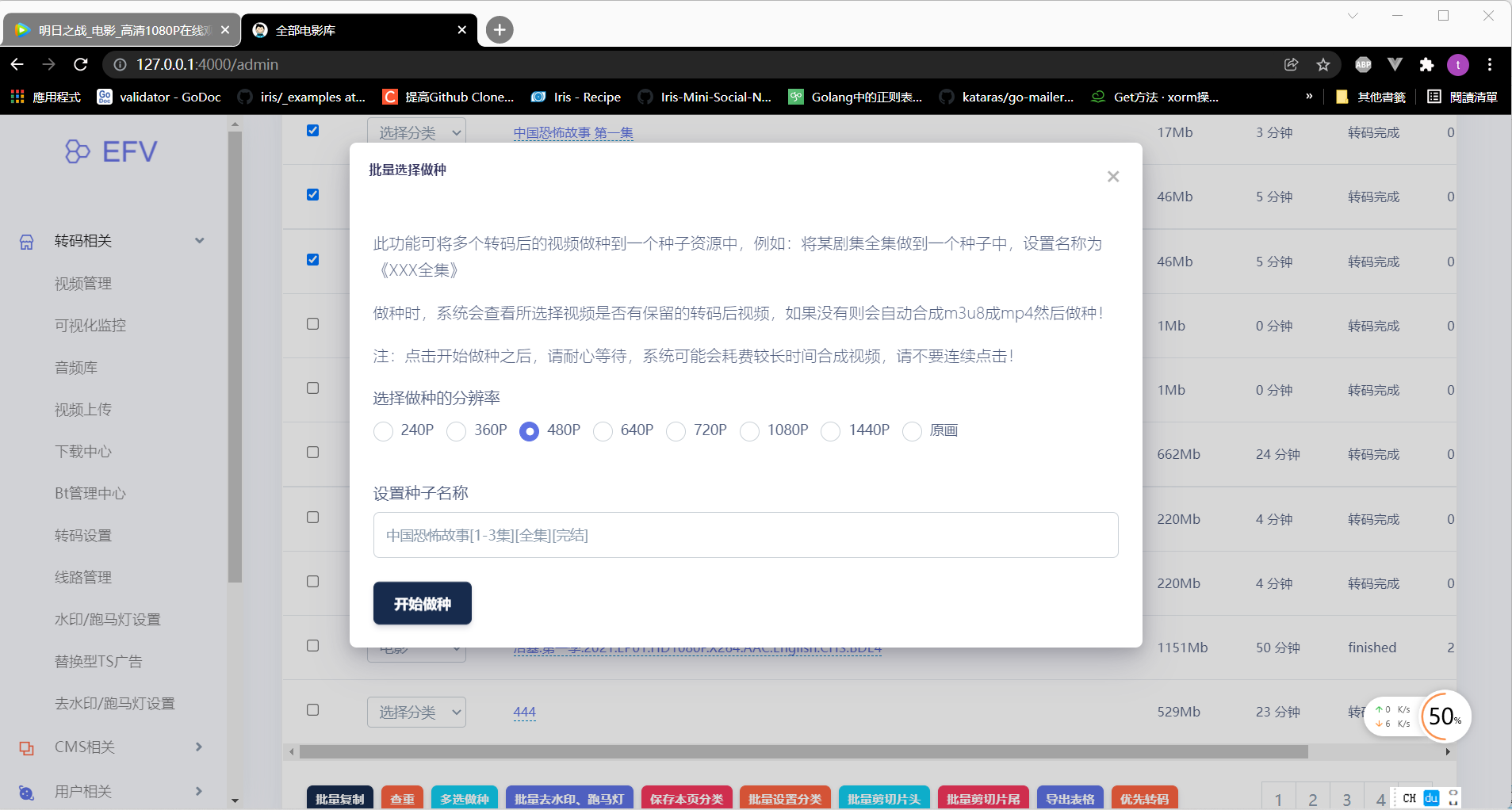
P2Pnetwork. For existing users, if the transcodedmp4was not retained, the system automatically assemblesm3u8intomp4before seeding. - Three: Added multi-video seeding. Package several transcoded videos into one torrent, useful for a complete series, with its
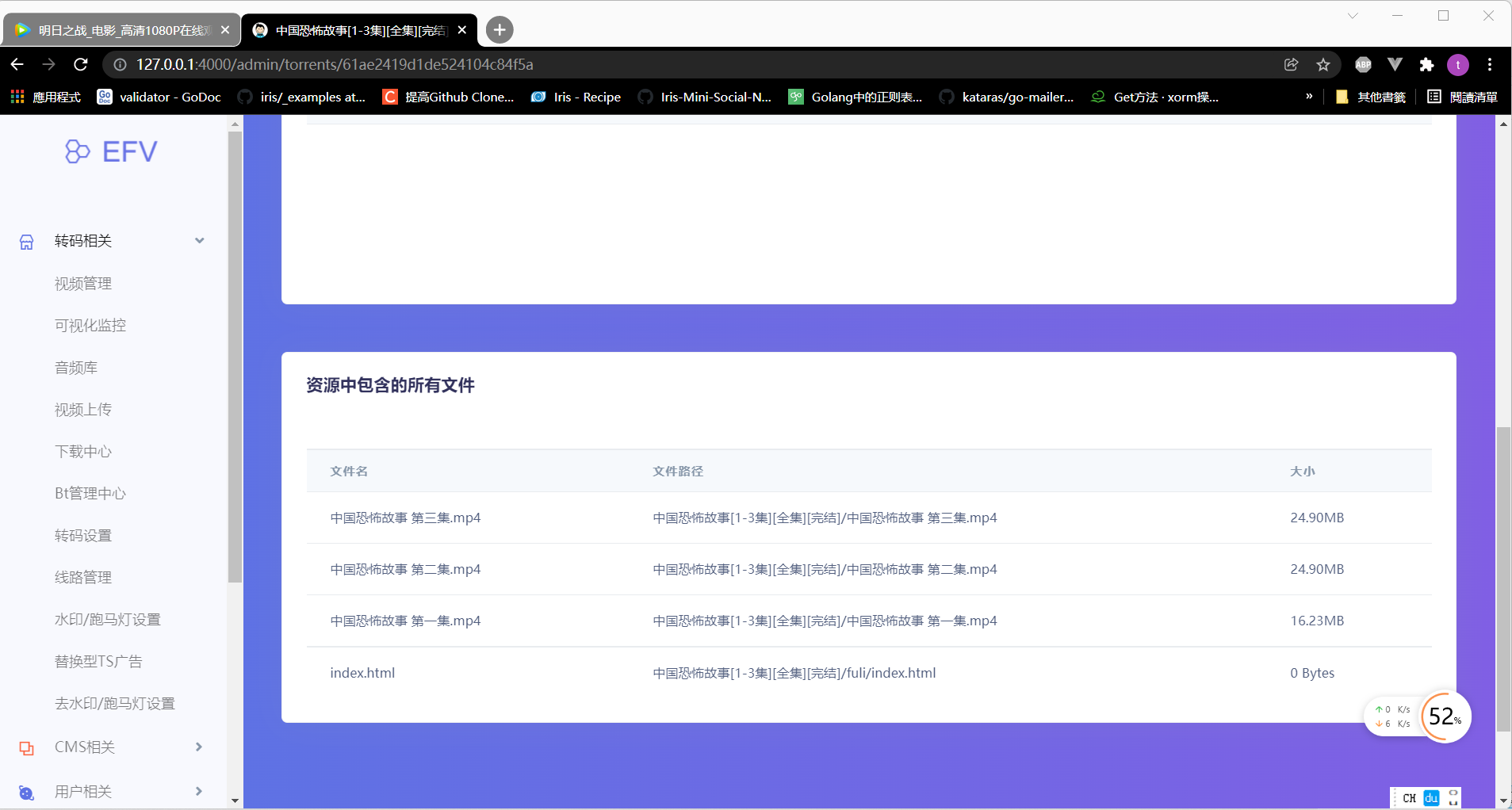
P2Pname set to the complete-series title. If some selected videos have no retained transcodedmp4, they are assembled automatically. During multi-video seeding, eachmp4is renamed using its video title before seeding. - Four: Improved
cdnlogic to process origin segments usingbuffstreams for better stability and lower resource consumption.
Seeding logic: selecting 480P first checks for a retained transcoded 480P mp4 and seeds it directly if present. Otherwise, the system checks for 480P segments and assembles them into an mp4 in real time. If those are also unavailable, it assembles the video's highest-resolution segments into an mp4 and seeds that. The logic is intricate because we have made every effort to cover all users' situations.
Tip: Place your packaged APK in the fuli folder. This folder is included in every torrent, helping promote your app when users download it. Other promotional files can likewise be placed in fuli, which is always included automatically.
Screenshots