Automatic detection and extraction of embedded MKV subtitles, burned in during transcoding
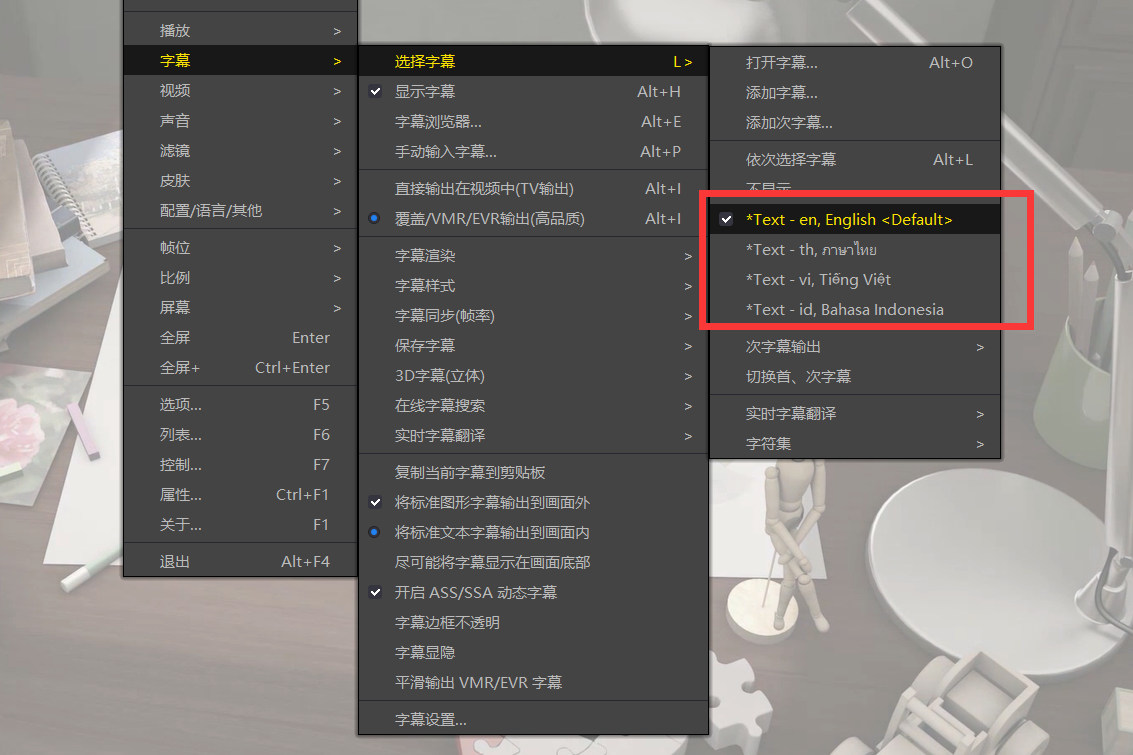
Users often see subtitles when playing an MKV locally, but find them missing after uploading to EFVCMS and transcoding. Why? MKV is a container that can hold multiple video, audio and subtitle streams. Viewers can choose which streams to use: an MKV may contain Cantonese, Mandarin and English audio, or Simplified Chinese, Traditional Chinese and English subtitles. Because the subtitle stream is not burned into the video stream, earlier transcoding did not process it and the subtitles disappeared. That problem is now resolved. Whether you upload an MKV or another format, EFVCMS first checks for subtitle streams, automatically extracts the first default subtitle track and burns it into the video during transcoding.
Updates
Added automatic detection of subtitle streams. If present, the first default track is extracted as ASS and burned into the video during transcoding. This applies to any video format with embedded subtitles.
When adding episodes to a series, its publication status is now checked first. Unpublished series are not automatically sent to the publishing system.
Screenshot