A cloud downloader built in 3 days: download magnets and seed transcoded videos in the cloud
A client recently asked for cloud magnet downloads. Initially I was reluctant because many download tools already exist, including aria2 with control panels. Another user then asked whether videos could be seeded immediately after transcoding, generating magnet links and torrents for distribution through the DHT network. They described keeping videos available in DHT there after several days of seeding. DHT is the discovery network for BT, and magnet searches retrieve data from DHT.
Seeding offers benefits over providing direct mp4 downloads. Once enough peers hold a torrent, we can stop seeding and delete our copy, allowing other peers to provide downloads and saving bandwidth and disk space. Direct mp4 downloads require retaining the file and providing upload bandwidth; many concurrent downloads can overwhelm the server and increase costs.
Combining cloud downloading and seeding therefore seemed interesting, so I built a system deeply integrated into EFVCMS.
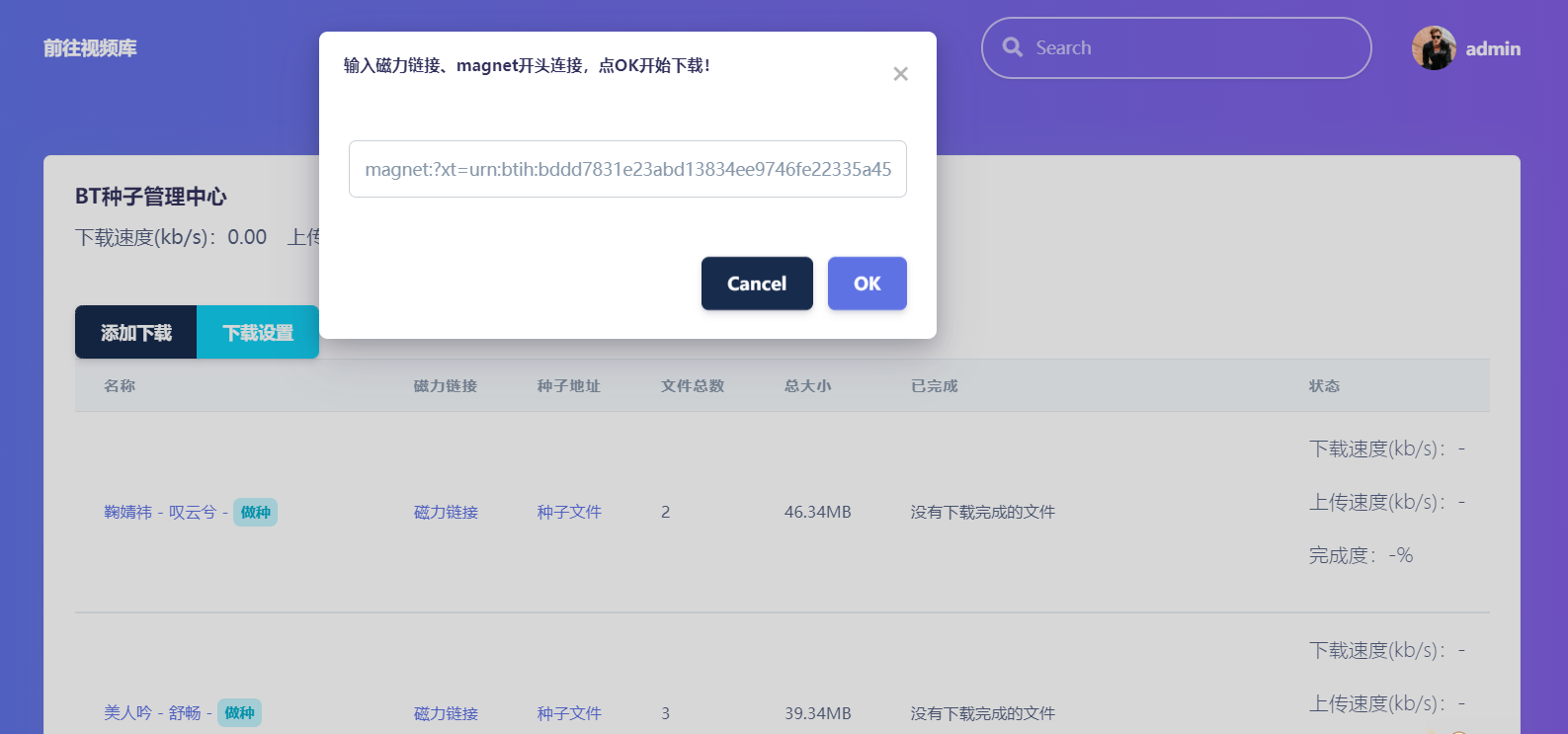
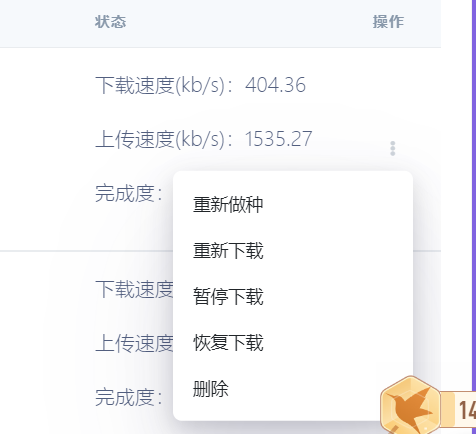
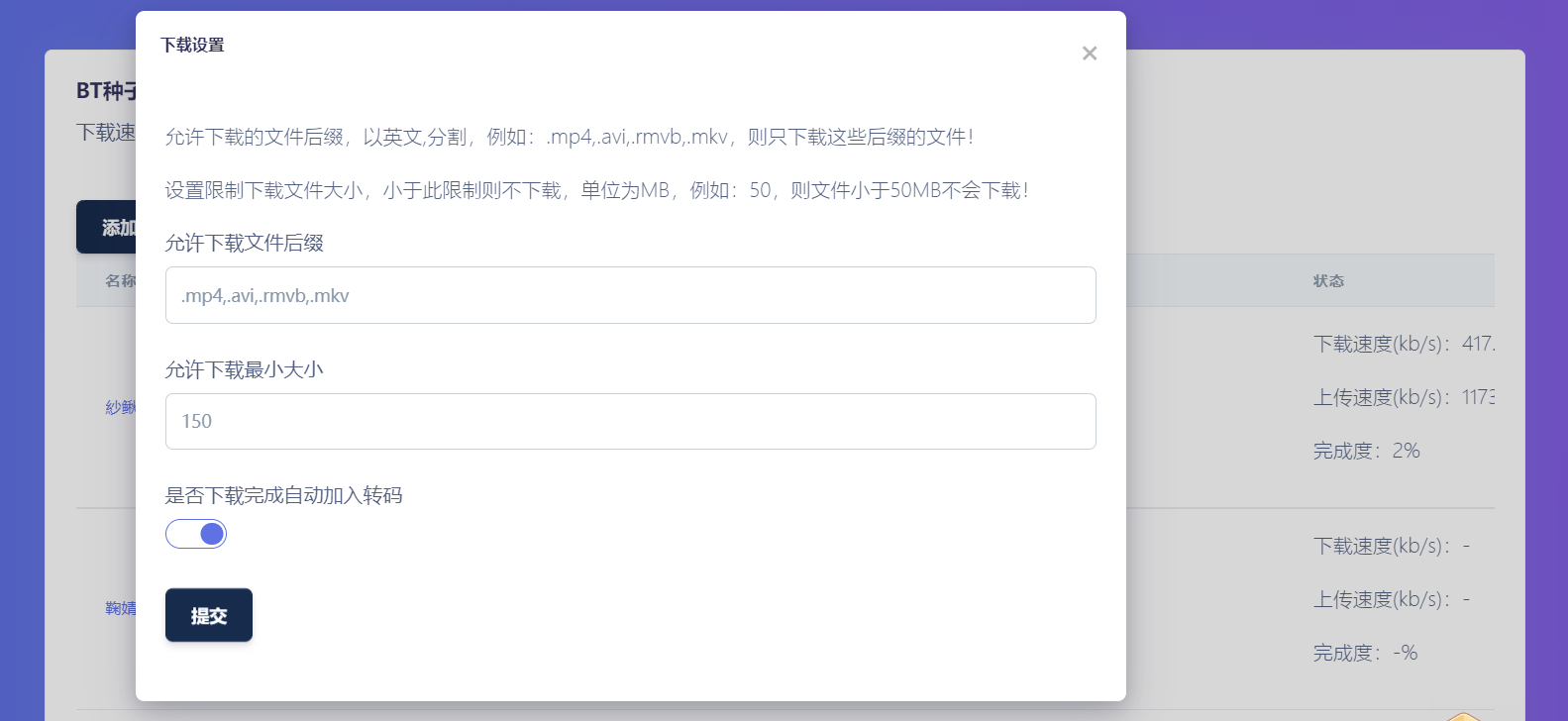
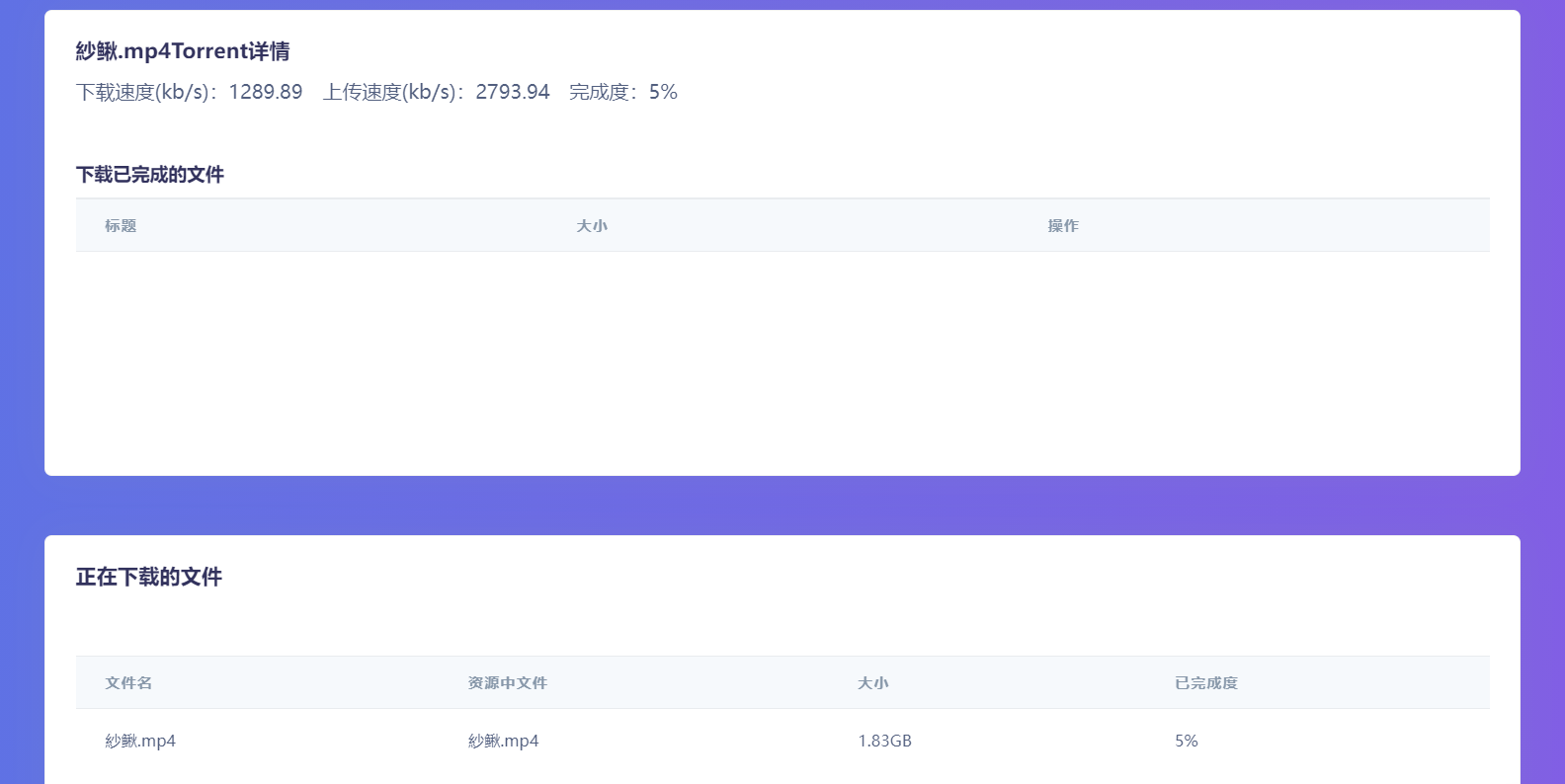
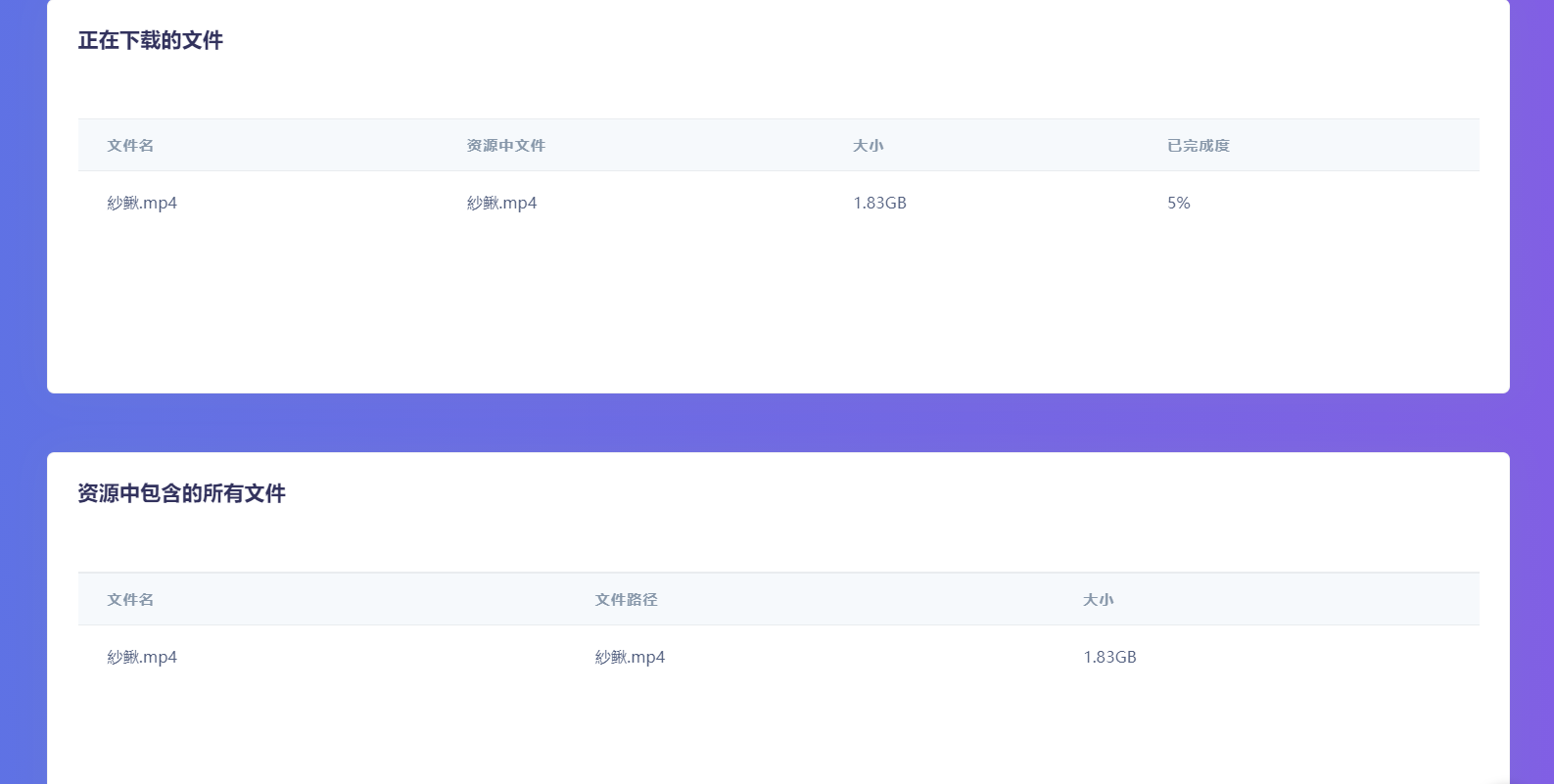
Cloud downloading needs real-time total download speed, upload speed and progress, plus each magnet task's speed and progress. It must also filter files to download only selected items, enforce minimum sizes in MB, and automatically add completed downloads to the transcoding queue.
Cloud seeding should begin as soon as transcoding finishes and allow other files to be included. I added a shared folder whose files are included in every generated torrent and magnet resource, helping promote your website or APP. Your own torrent and magnet URLs appear in video management under Get m3u8. The torrent name defaults to the transcoded video's title.
A complete cloud BT management API offers endpoints such as /api3/torrent/addUrl. Supply APIKEY, APISECRET and a magnet URL to add cloud download tasks through the API from any location or server.
Tip: tracker servers are important for magnet downloads. Every 10 hours, the system automatically retrieves the day's available trackers from github, so you no longer need to add tracker entries manually.
Updates
- Added offline downloads with automatic
trackerupdates, extension and file-size filters, and automatic transcoding immediately after download. - Added automatic seeding of retained transcoded
mp4files, generating magnet links and torrents and optionally including promotional files. - Scheduled publishing now supports uncategorized videos, including third-party MacCMS
cms, built-incmsandapipublishing.
Screenshots